How to set up Tills and Terminals
Setting Terminals
Instructions to set up terminals are here.
Adding Tills
Instructions to set up tills are here.
Connecting Multiple Terminals
This section of the how-to describes how to use multiple terminals per till.
Multiple terminals can connect to any till.
In the main menu, go to the Till section.
Select 'Till Management'.
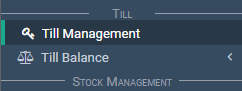
The till management screen appears.
Locate the till in the 'Tills' section.

Select the 'Edit' icon button to the far right.

The till loads into the input boxes.
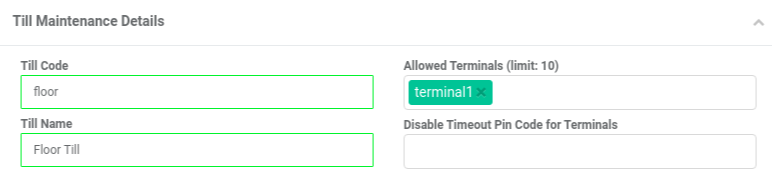
Add a terminal name.
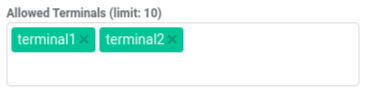
Select the 'Save' button.

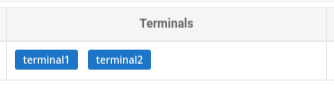
The list of tills reloads.
Notice there are now two terminals associated to your till.
After you have set-up the till you can make a sale:
- Open the sale screen.
- Select the refresh button on the top left-hand corner of your browser.
Your new till management settings are set.