How to edit payment details via Till Balances
Editing Payment Details
Steps:
Search for and open a till balance.
The till balance screen appears.
Locate the 'Log Entries' section.
Locate a cheque payment or finance payment.

Select the 'Edit' icon button in the 'Payment details' column.

The 'Edit Payment Details' pop-up appears
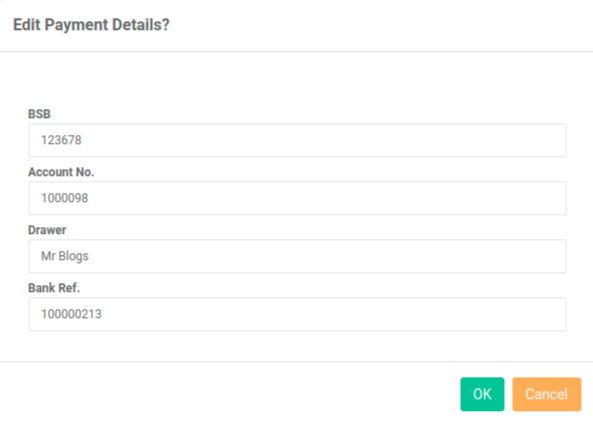
Update the details.
Select the 'OK' button.

Your new payment details are saved.