Set distributor to automatically claim over charges
Open the Distributor search screen
Locate the distributor you want to edit.

Select the 'Edit' icon button.

The 'Edit' page appears.
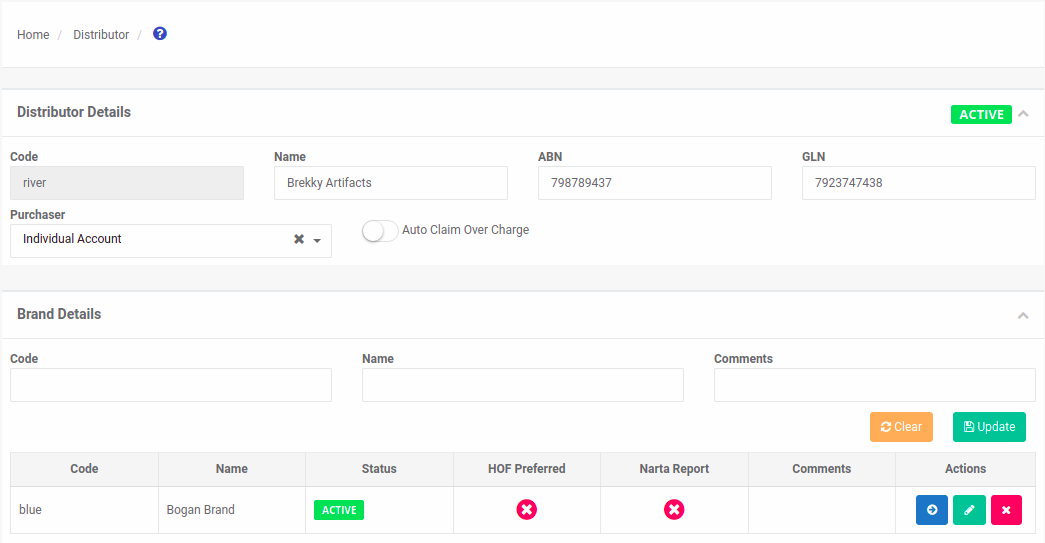
In the 'Distributor Details' section, locate the 'Auto Claim Over Charge' switch.
Make your selection, then select the 'Save' button.

Your distributor is successfully updated