Move brands between distributors
Edit a distributor
The 'Edit' page appears.
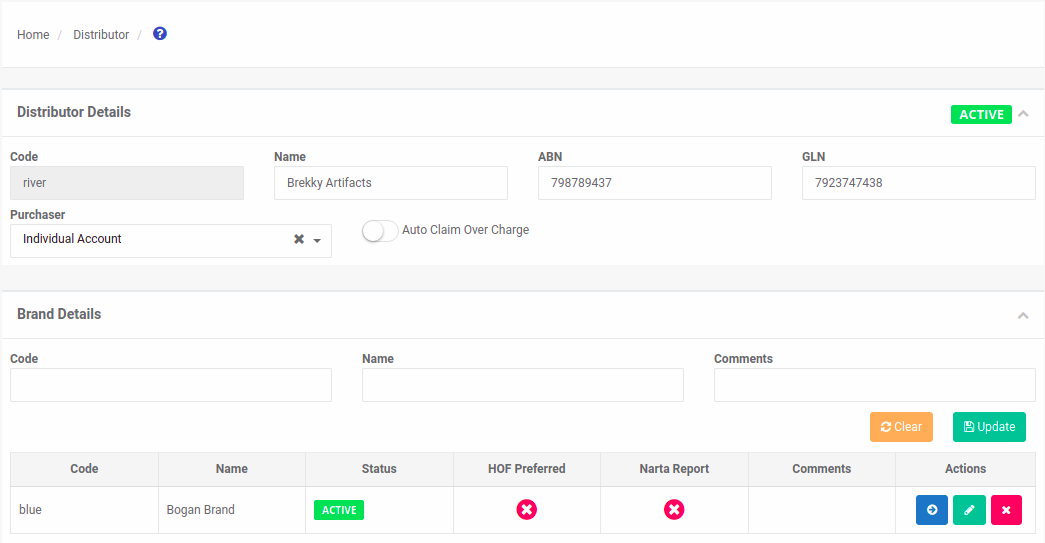
Notice the 'Brand Details' section.
Locate the brand you want to move.

Select the 'Move' icon button.

The 'Move Brand' popup appears.
Notice the list of distributors.
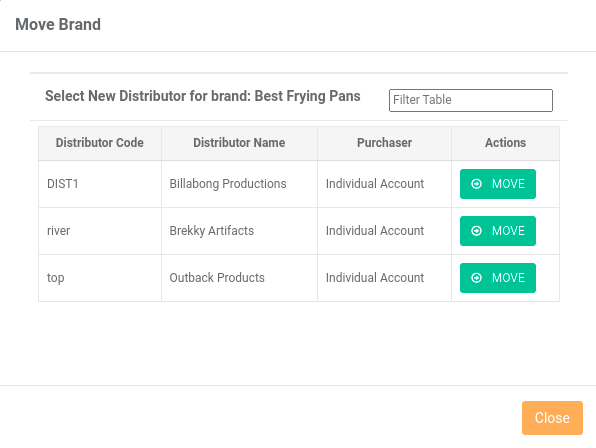
Locate the distributor you want to move to.
Select the 'Move' button.

Your brand is successfully moved.