How to adjust customer credit limits
Note
By default, when stores create customers, the limit is set to zero.
First step, Search for and open a customer account.
Notice the 'Account Summary' section.
There are three parts:
- Current Credits
- Current Debits
- Total Available
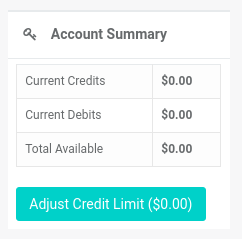
Select the 'Adjust Credit Limit' button.
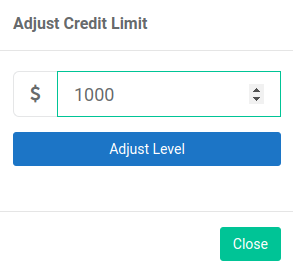
A pop-up appears.
-
Enter the credit limit value.
-
Select the 'Adjust Level' button.
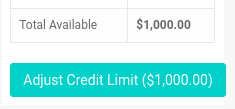
View the updated values in the 'Account Summary' section.