How to configure email settings
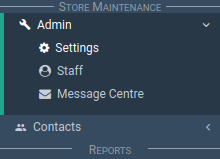
In the main menu, go to the Store Maintenance section.
Select 'Admin' > 'Settings'.
Select the 'Email Settings' tab.
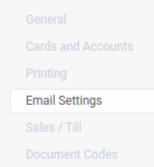
The Email Settings section appears.
Sending Emails
It is possible to send emails via the Application.
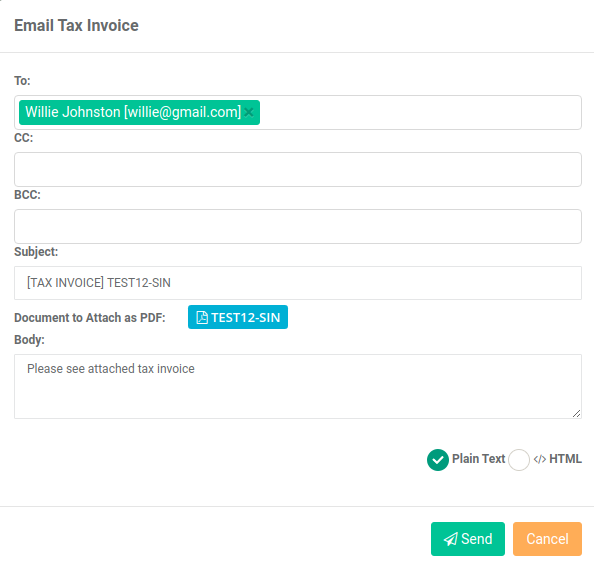
For example, when your store sends an invoice to a customer.
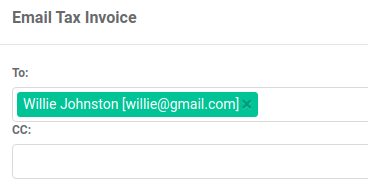
The 'Send Email' pop-up looks like this:
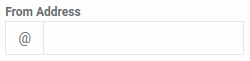
From Address
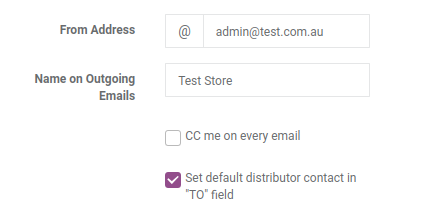
This is the address used in the 'reply-to' field of the emails sent.
It is best to set your store, store admin or personal email address here.
When Vendica sends an email to your contact:
- The contact can reply to the email
- The reply goes to your email rather than to the Application.
Important
The emails aren't sent from your email account.
They are sent from the Vendica 'no-reply' email address.
However, when your contact replies to the email, the reply goes to your address rather than back to the Vendica email.
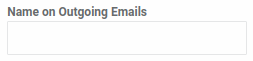
Name On Outgoing Emails
This is the name we associate with the 'From Address' above.
For example, Willie Johnston is the 'name' for willie@gmail.com.
CC Me On Every Email
When Vendica sends an email out, a copy goes to your email too.

Set Default Distributor Contact In "TO" Field
Distributors can have more than one contact email.
This setting auto fills the 'To' field with the distributor's default email address.
This saves you time.
