How to use the Delivery Manifest report
Setting A Delivery Date
Create a sale and add a sale line.
Locate the sale line.

Select the 'Delivery Manifest' button.

The 'Edit Delivery Details' pop-up appears.
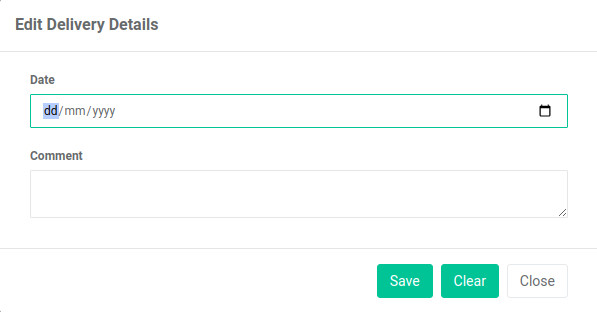
Enter a delivery date.

Enter a comment.

Select the 'Save' button.

Note
It is possible to edit the delivery details.
Repeat the steps above to display the pop-up.
Delivery Manifest reports can now include your sale line.
Next you can view your delivery details in a 'Delivery Manifest' report.
Viewing The Delivery Manifest Report
In the main menu, go to the Reports section.
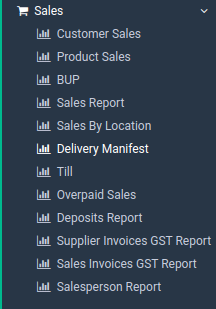
Select 'Sales' > 'Delivery Manifest'.
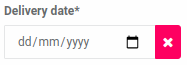
Enter a 'Delivery Date'.
Enter a customer.
Select one of the print buttons.

There are three options:
-
Print via the browser
-
Export to CSV
-
Search (displays to screen)
This is what a browser print looks like:
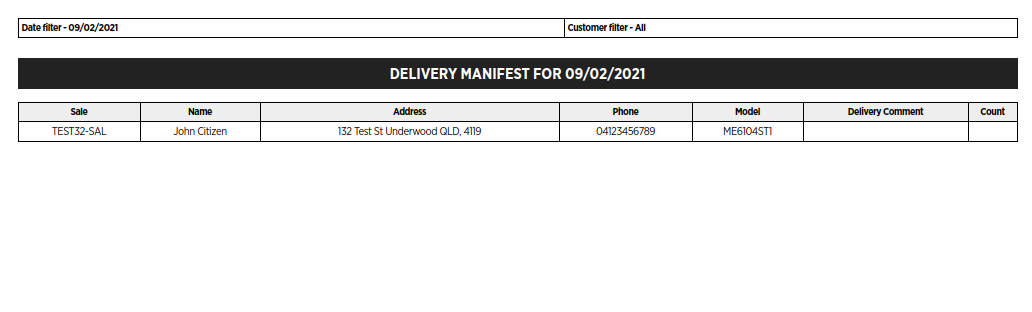
Your report is displayed successfully.